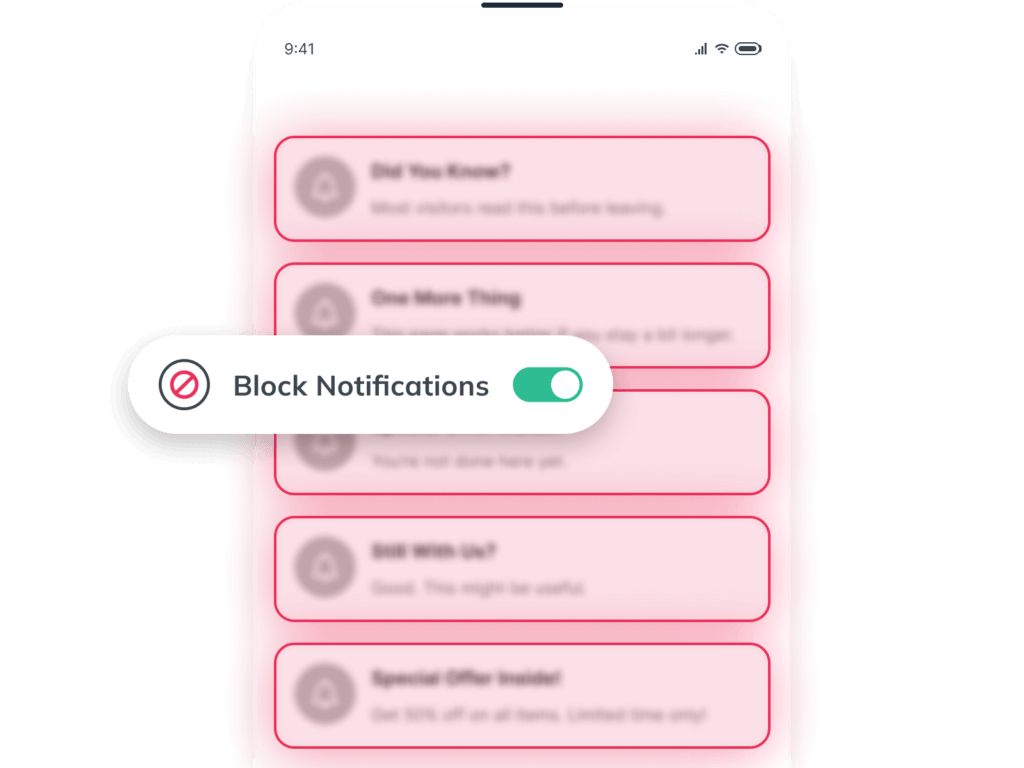
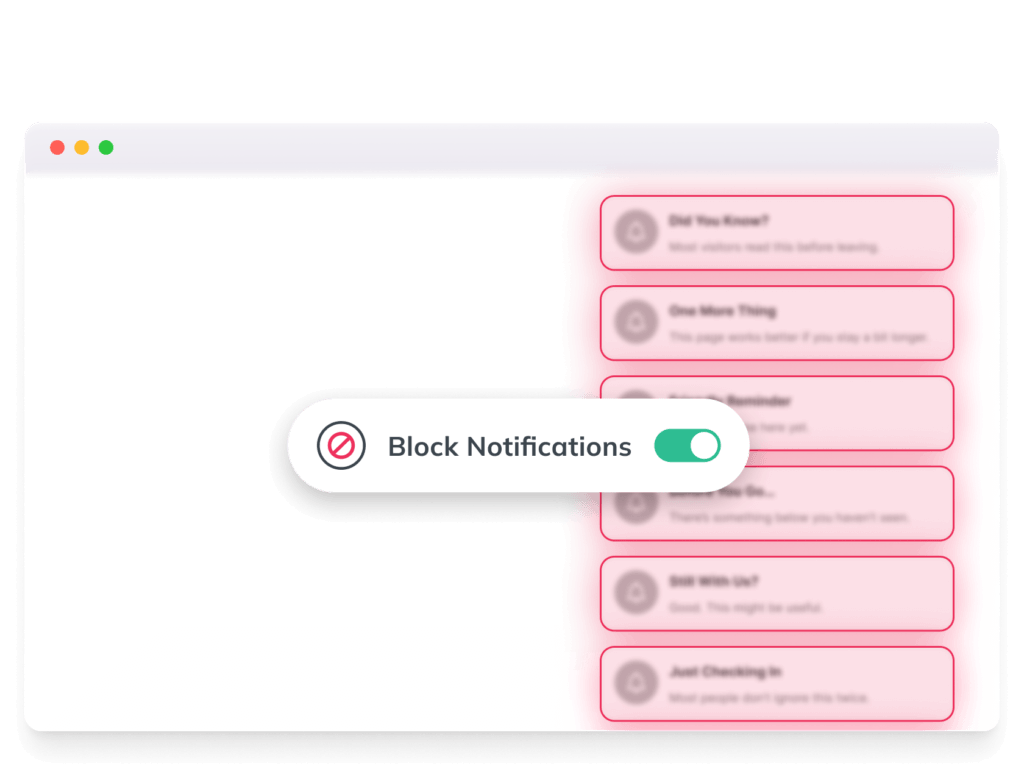
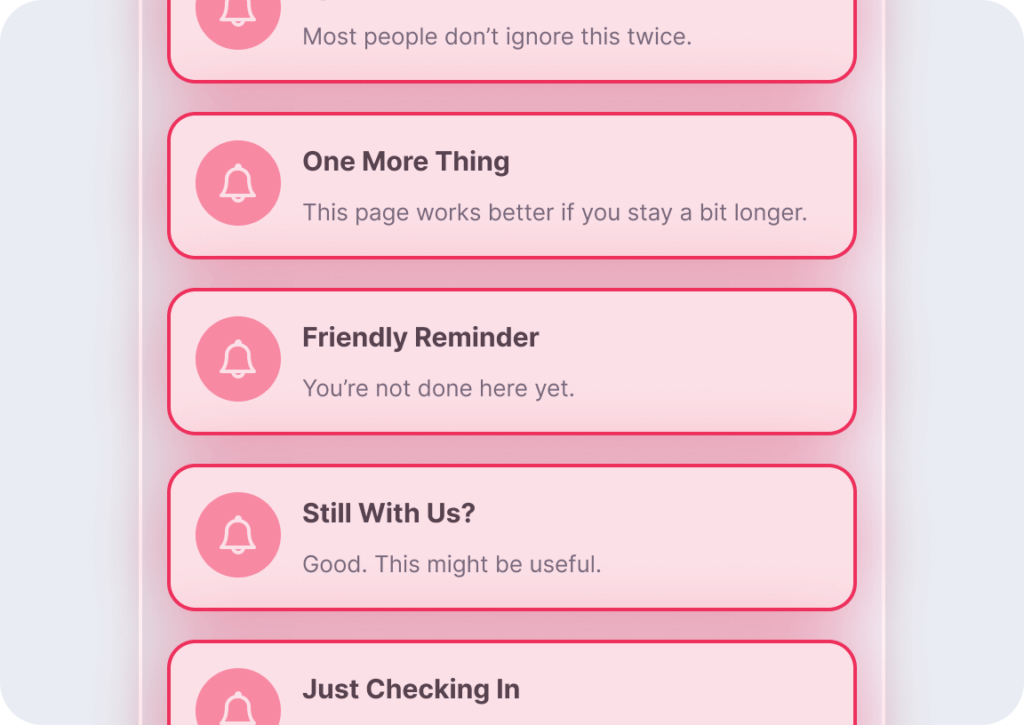
Tired of constant notification pop-ups interrupting your browsing? Poper Blocker’s Notification Blocker automatically blocks both notifications and notification requests, keeping your browsing clean and distraction-free.
Once enabled, Poper Blocker prevents websites from displaying notifications or sending notification requests. Whether it’s a site asking for permission to send alerts or an unwanted notification pop-up, this feature ensures they never appear. Just enable it and enjoy a hassle-free browsing experience. Available for Chrome and Edge.
Key Benefits
Blocks Website Notifications
Prevents unwanted pop-ups from interrupting you.
Stops Notification Requests
Blocks websites from asking permission to send notifications.
Works Automatically
Just enable it and forget about notifications.
Distraction-Free Browsing
Browse without interruptions from alerts and requests.
Available for Chrome & Edge
Compatible with popular desktop browsers.
How to use the Notification Blocker Feature
Get started in minutes with our easy installation process.
Install Poper Blocker
Download Poper Blocker to your device.
Activate “Hide website notifications”
Open Poper Blocker’s settings and toggle “Hide website notifications” to enable notification blocking.
No More Annoying Notifications
Poper blocker now blocks notification pop ups, and you can browse with ease.
“actually really helpful in movie websites and while shopping it removes pop ups super quickly without you even noticing there are some delays tho but really good overall. Thank you for the creators of this extension!!“
Jessica L
Modified Jan 7, 2025
“I had used the free version Poper Blocker for a very long time, and I decided to buy the Pro Version. I have always liked this blocker because it does a great job. It allows me to decide which popups to allow and it erases my tracking online such as when I access my bank accounts.“
Sarah M
Modified Jan 7, 2025
“Works super good! Haven’t had any pop ups anymore since I installed this!“


 Chrome Web Extension
 Edge Web Extension
 Android App