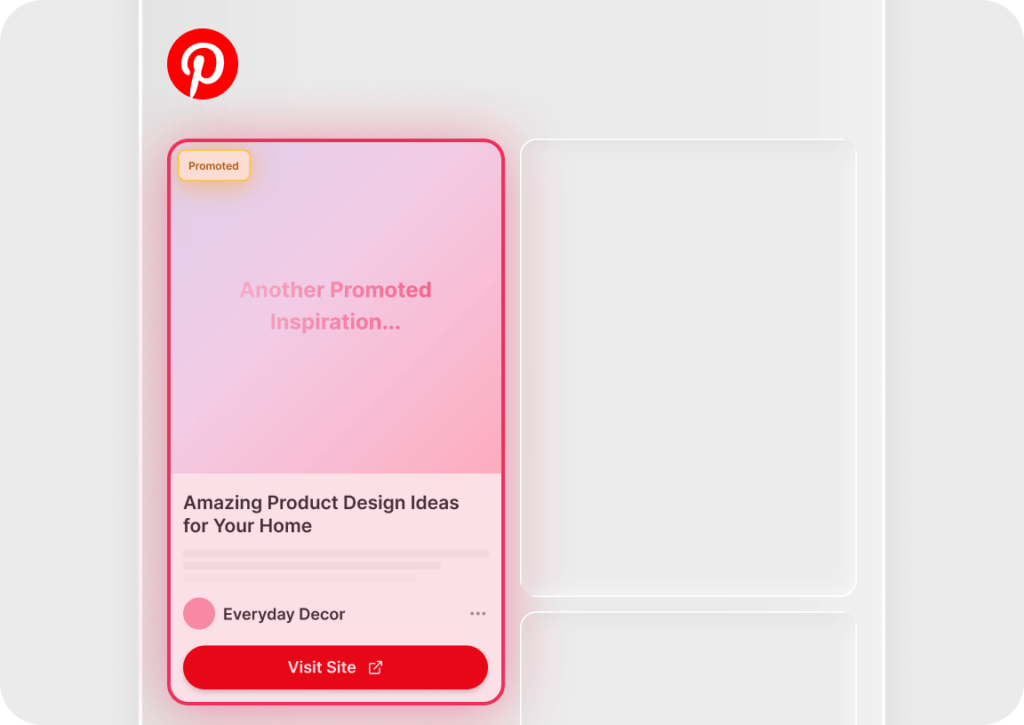
Tired of ads cluttering your Pinterest feed? Poper Blocker’s Pinterest Ad Blocker automatically removes all sponsored posts and ads, so you can focus on the content you love without distractions.
Once enabled, Poper Blocker scans your Pinterest feed and removes all ads and sponsored posts before they appear. This ensures a seamless, ad-free browsing experience without any manual adjustments. It works automatically on Pinterest.com for desktop and is available for Chrome and Edge.
Key Benefits
Blocks Pinterest Ads
Removes all sponsored posts and ads from your feed.
Cleaner Browsing Experience
Focus on pins, not ads.
No Manual Adjustments Needed
Ads are hidden automatically.
Works Automatically
Just enable it and enjoy an ad-free Pinterest.
Available for Chrome & Edge
Works on Pinterest’s desktop version.
How to use the Pinterest Ad Blocker Feature
Get started in minutes with our easy installation process.
Install Poper Blocker
Download Poper Blocker to your device.
Activate “Block ads on social media”
Open Poper Blocker’s settings and toggle “Block ads on social media” to enable Pinterest ad blocking.
Browse Pinterest with no ads
Poper Blocker now blocks ads from your Pinterest feed. Enjoy it distraction-free.
“actually really helpful in movie websites and while shopping it removes pop ups super quickly without you even noticing there are some delays tho but really good overall. Thank you for the creators of this extension!!“
Jessica L
Modified Jan 7, 2025
“I had used the free version Poper Blocker for a very long time, and I decided to buy the Pro Version. I have always liked this blocker because it does a great job. It allows me to decide which popups to allow and it erases my tracking online such as when I access my bank accounts.“
Sarah M
Modified Jan 7, 2025
“Works super good! Haven’t had any pop ups anymore since I installed this!“


 Chrome Web Extension
 Edge Web Extension
 Android App
 iOS App