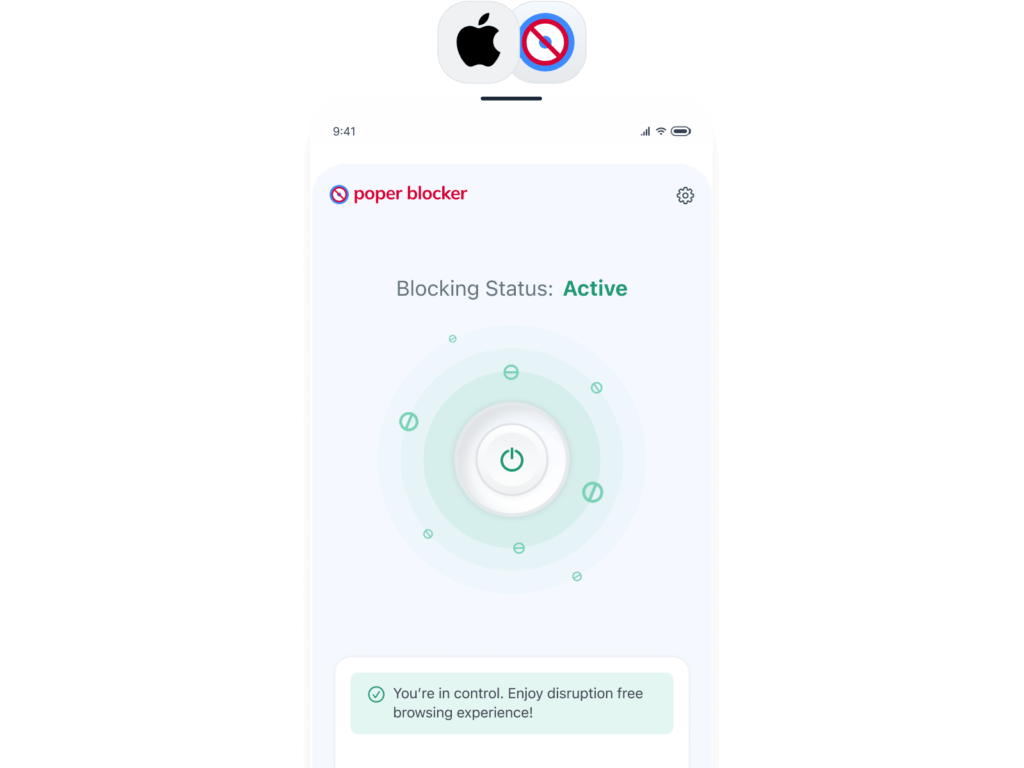
Poper Blocker is the best free pop-up blocker for iPhone and iPad. It stops intrusive pop-ups, blocks ads and cookie banners, and protects you from malicious sites, right inside Safari on iOS.
“actually really helpful in movie websites and while shopping it removes pop ups super quickly without you even noticing there are some delays tho but really good overall. Thank you for the creators of this extension!!“
Jessica L
Modified Jan 7, 2025
“I had used the free version Poper Blocker for a very long time, and I decided to buy the Pro Version. I have always liked this blocker because it does a great job. It allows me to decide which popups to allow and it erases my tracking online such as when I access my bank accounts.“
Sarah M
Modified Nov 17, 2025
“Works super good! Haven’t had any pop ups anymore since I installed this!“
Download Poper Blocker from the App Store, then go to Settings → Safari → Extensions and enable it. Poper Blocker will then automatically block pop-ups in Safari on your iPhone.
Does it work as a pop-up blocker for Safari on iPhone and iPad?
Yes. Poper Blocker runs as a Safari extension on both iPhone and iPad — and on Mac Safari too — so one install covers all your Apple devices.
Does it block pop-up ads on iPhone, not just pop-ups?
Yes. In addition to blocking pop-ups, Poper Blocker removes banner ads, cookie consent banners, and YouTube ads when browsing in Safari on iOS.
Best Ad Blocker Extension
Block pop-ups in Safari on iPhone, iPad & Mac
Stop pop-ups, ads, cookie banners, and YouTube ads, free in Safari on all your Apple devices.

 Chrome Web Extension
 Edge Web Extension
 Android App
 iOS App