Chrome Web Extension
 Edge Web Extension
 Android App
 iOS App


YouTube ads have gotten pretty relentless. Pre-rolls, mid-rolls, back-to-back skippables, and the occasional unskippable block that shows up right in the middle of a video. There is the option of YouTube Premium, but it’s a paid service with its own set of features and yet another monthly subscription to think about. That leads a lot of people to ask themselves: Is YouTube Premium worth it?
At $13.99 a month, Premium is another line item sitting next to Netflix, Spotify, and whatever else you’re subscribed to. That adds up. So before you hand over your card details, it’s worth asking whether Premium is actually the right call, or whether a cheaper option gets you the same result.
Below, we go through what Premium includes, what you get with Poper Blocker, and how the two compare so you can figure out which one fits your habits.
Some of the Benefits & Perks You Get With YouTube Premium
YouTube Premium launched in 2018 (it was called YouTube Red before that) and has picked up a few useful features since then. Here’s what you actually get:
Ad-Free Videos
This is the main reason most people sign up. Premium removes pre-rolls, mid-rolls, and banner ads across YouTube on web, mobile, and TV. A survey by AllAboutCookies found that only 12% of YouTube users would even consider paying for Premium to avoid ads, which tells you most people are still looking for a cheaper way out.
Offline Downloads
You can save videos to your phone and watch them without a connection. Downloads go up to 1080p and stay available for 30 days. Useful for flights, commutes, or anywhere with a patchy signal.
Background Play
With background play, audio keeps going when you lock your screen or switch to another app. Handy if you use YouTube for podcasts, long interviews, or music. Without Premium, the video just stops when you leave the app.
YouTube Music Premium
Premium bundles in YouTube Music Premium, which is Google’s take on a music streaming service. You get ad-free listening, offline downloads, and background play for music. If you were already paying for a music app separately, this can replace it.
YouTube Kids Without Ads
For anyone with kids, this is a practical perk. YouTube Kids already filters content, but ads still show up by default. Premium removes them.
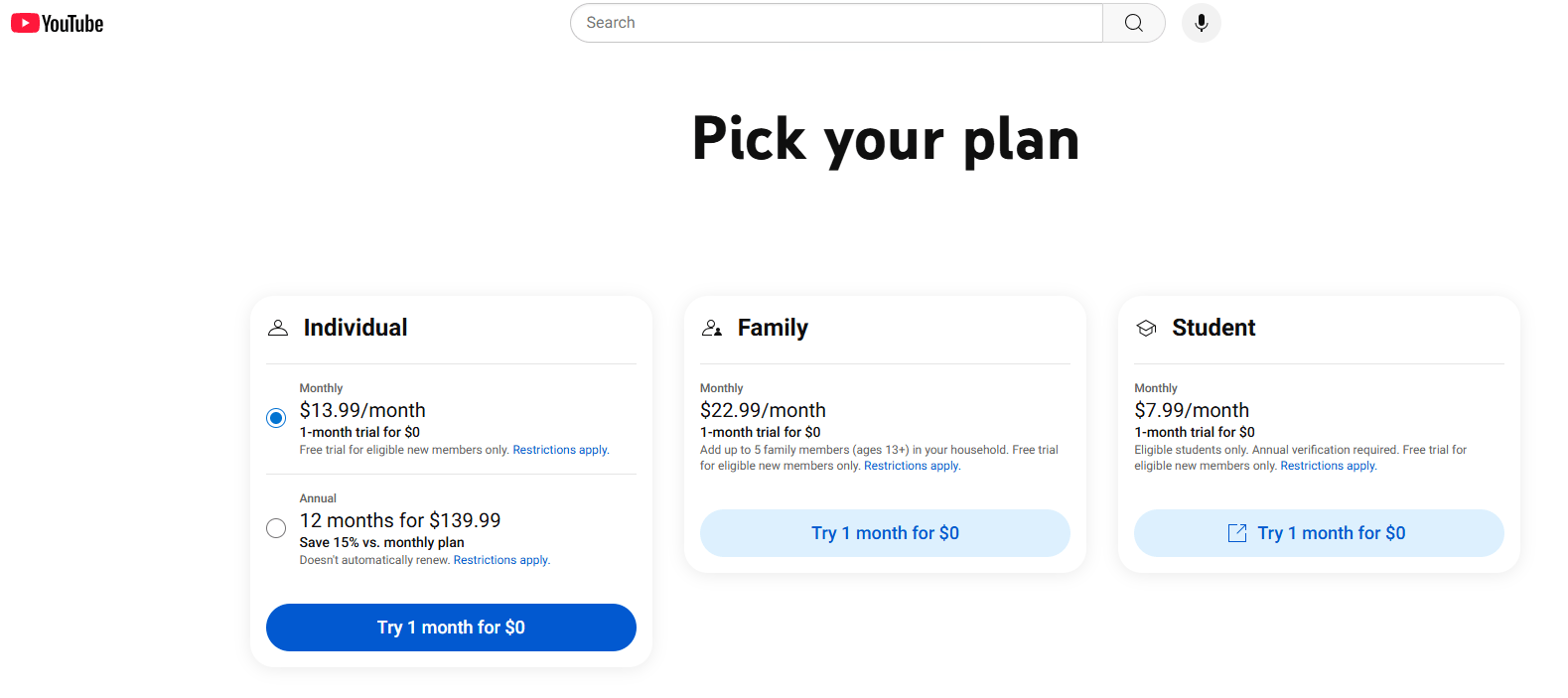
Plans & Pricing
- Individual: $13.99/month
- Family (up to 6): $22.99/month
- Student: $7.99/month
- Premium Lite (ads only, no extras): $7.99/month
One thing to be aware of: Premium removes ads that YouTube serves, but it can’t touch sponsor segments that creators record and edit directly into the video. Those stay regardless of your subscription.
What You Get With Poper Blocker
If ads are your main issue with YouTube, there’s a free option worth looking at before you subscribe to anything.
Poper Blocker is a browser extension and mobile app focused on blocking ads and cleaning up the web more broadly. Here’s what it covers:
Free YouTube Ad Blocking on Desktop and Mobile
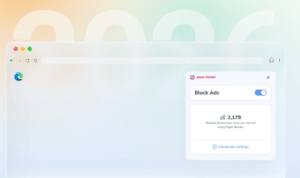
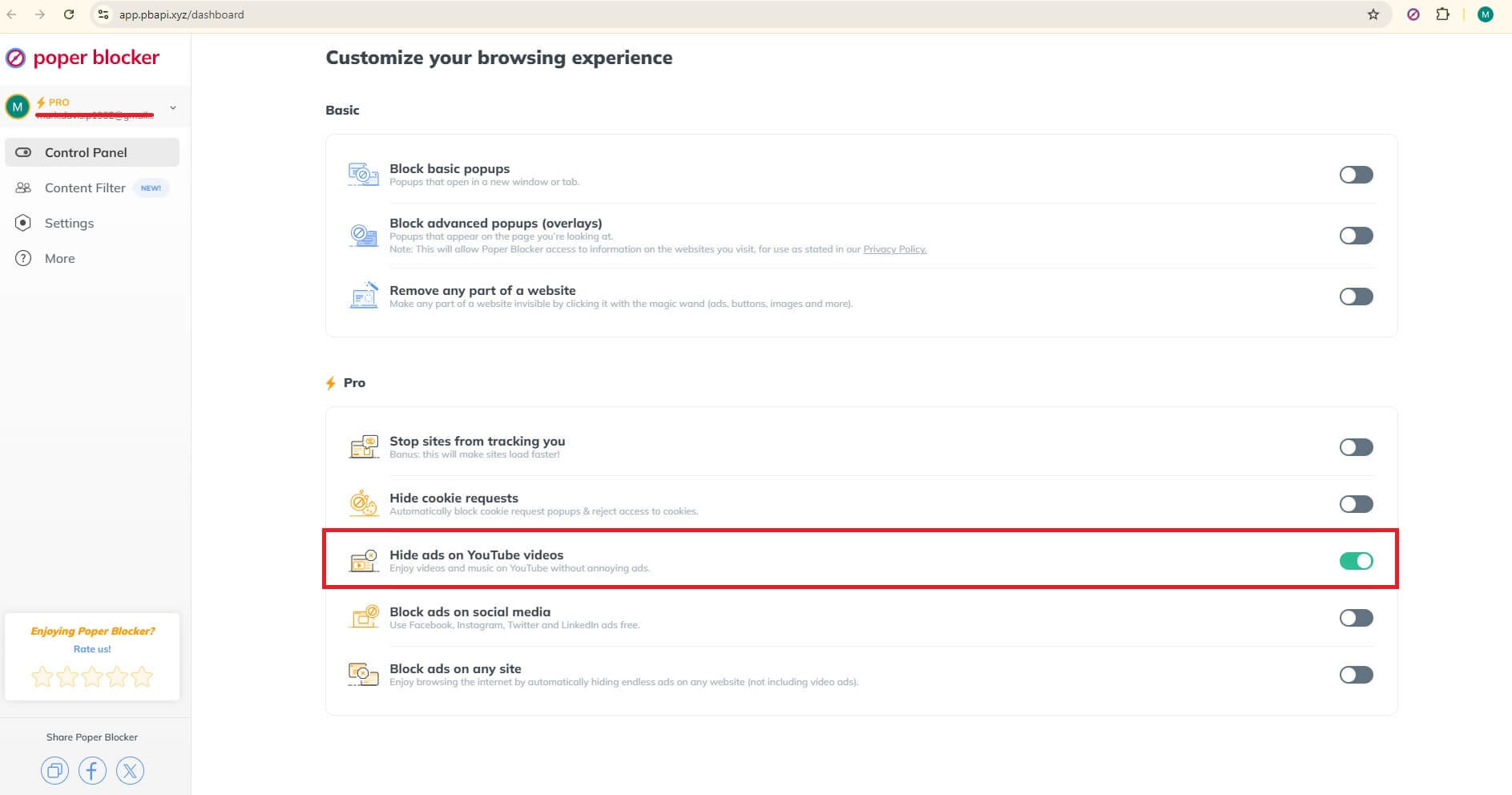
On desktop, Poper Blocker runs as a YouTube Ad Blocker extension for Chrome and Edge. Once it’s installed, YouTube ads stop showing up. Nothing to configure.
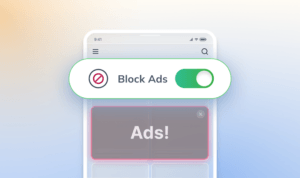
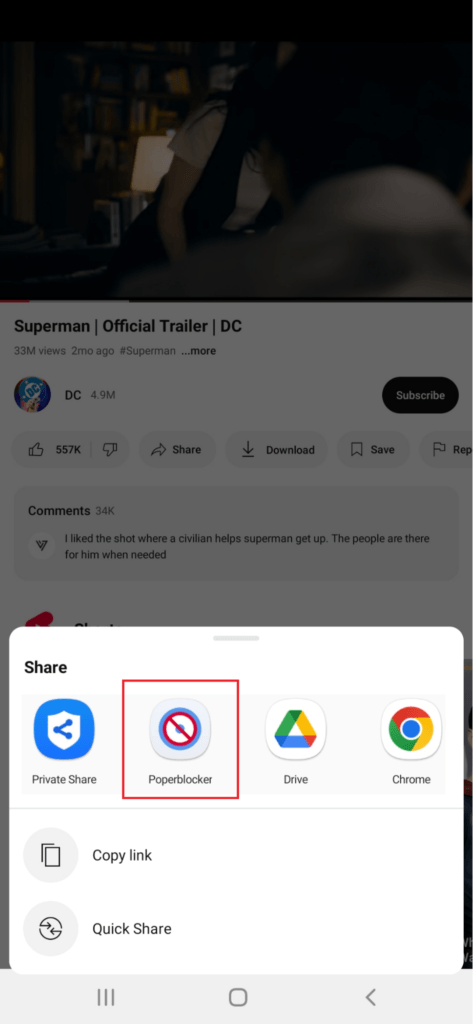
Mobile is a bit different because iOS and Android don’t allow ad blocking inside the official YouTube app. Poper Blocker works around this with a built-in Ad-Free YouTube Player, which is a browser inside the app that loads YouTube without ads.
More Than Just YouTube
Beyond YouTube, the free version also covers:
- Pop-up blocker – stops pop-ups across websites
- Overlay blocker – removes those banners that cover the page, asking you to subscribe or sign up
- Cookie consent blocker – dismisses cookie notice popups automatically
- Video streaming ad blocker – works on Dailymotion, Crunchyroll, Tubi, and others
- Magic Wand – lets you hide specific parts of a page yourself, like images, buttons, or distracting sections
The Magic Wand tool is worth calling out because it goes beyond ad blocking. You can clean up pretty much any part of a site that bothers you.
Paid Plans (Optional Upgrades)
The free version handles YouTube ads and general web cleanup. If you want more, the paid options are:
- $4.79/month – monthly
- $1.59/month – billed annually
- $39.95 one-time – lifetime access
Paid features include:
- Social media ad blocker – covers Facebook, Instagram, X/Twitter, LinkedIn, Pinterest, and Reddit
- Full web ad blocker – extends to ads across all websites
- Tracker blocker – stops ad trackers from following you between sites
Even on the paid plan, the cost is well below YouTube Premium. And the lifetime option is cheaper than three months of Premium.
So, Is YouTube Premium Worth It?
The answer depends on how you actually use YouTube.
If you watch a lot on your TV or phone, use background play for podcasts, download videos for travel, or want a music streaming service included, Premium is a reasonable bundle. The price makes more sense when you’re using several of those features regularly.
If your main complaint is the ads, and you don’t care much about downloads or YouTube Music, then you’re paying $13.99 a month for something Poper Blocker handles for free.
Here’s a side-by-side to make it easier:
Feature | Poper Blocker | YouTube Premium |
Monthly Cost | Free (paid from $1.59/mo) | $13.99/mo (Individual) |
Ad-Free YouTube | ✓ Free | ✓ Included |
Ad Blocker – Full Web | ✓ (Paid plan) | ✗ YouTube only |
Pop-up Blocker | ✓ | ✗ |
Tracker Blocker | ✓ (Paid plan) | ✗ |
Social Media Ad Blocking | ✓ (Paid plan) | ✗ |
Cookie Consent Blocker | ✓ | ✗ |
Works on Android & iOS | ✓ | ✓ |
Works on Chrome & Edge | ✓ | ✓ |
Offline Downloads | ✗ | ✓ |
Background Play | ✗ | ✓ |
YouTube Music Premium | ✗ | ✓ |
YouTube Kids Ad-Free | ✗ | ✓ |
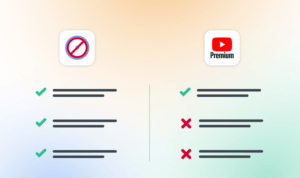
The short version: Premium removes ads on YouTube. Poper Blocker removes ads on YouTube and across the rest of the web, including pop-ups, overlays, cookie banners, and trackers. And it starts free.
For most people who are mainly tired of YouTube ads, that’s a good reason to try the free option first.
The Bottom Line
YouTube Premium is a solid subscription if you use the full bundle. Offline downloads, background play, and YouTube Music together make the price easier to justify. But if your main gripe is ads, you don’t need to pay $14 a month to fix that.
Poper Blocker removes YouTube ads for free on Chrome, Edge, Android, and iOS. The paid plan adds full web and social media coverage and costs a lot less than Premium, with a lifetime option available if you’d rather not pay monthly at all.
A simple way to decide: think about the two or three things you’d actually miss. If the list includes downloads, background play in the app, or YouTube Music, Premium is probably worth it for you. If it’s mostly just the ads, start with Poper Blocker and see if that’s enough.
Try Poper Blocker for free on your browser or phone before you commit to another subscription.
FAQs
Is YouTube Premium worth it if I only care about removing ads?
Probably not. Ad removal is one part of a $13.99/month package that also includes offline downloads, background play, and YouTube Music. If ads are the only issue, Poper Blocker handles that for free on desktop via the browser extension and on mobile via its Ad-Free YouTube Player.
What do you get with YouTube Premium?
You get ad-free YouTube across web, mobile, and TV, offline video downloads (up to 1080p, valid for 30 days), background play when your screen is locked, YouTube Music Premium, and ad-free YouTube Kids. Plans start at $7.99/month for students and $13.99/month for individuals.
What does Poper Blocker offer that YouTube Premium doesn’t?
Poper Blocker blocks ads across the whole web, not just YouTube. The free version covers YouTube ads, pop-ups, overlays, cookie consent banners, and video ads on platforms like Crunchyroll and Tubi. Paid plans extend that to social media ads on Facebook, Instagram, X, and LinkedIn, plus full web ad blocking and tracker blocking.
Is there a YouTube Premium family plan, and is it worth it?
Yes. The family plan covers up to 6 accounts for $22.99/month. Each member needs to share the same household address. It works out cheaper per person than individual plans and includes YouTube Music for everyone. Whether it’s worth it depends on how many people in your home actually use YouTube enough to benefit from Premium features.
Does YouTube Premium work on all devices?
It works on browsers, the YouTube iOS and Android apps, smart TVs, game consoles, and Chromecast. Poper Blocker covers Chrome and Edge on desktop, and Android and iOS through its Ad-Free YouTube Player. If you mainly watch on a TV, Premium is the cleaner option since browser extensions don’t run there.
Is it worth getting YouTube Premium just for background play?
Background play is useful if you listen to a lot of long-form content on your phone. But it’s packaged with everything else in the $13.99/month plan, so if that’s the only feature you want, it’s hard to justify on its own. Poper Blocker doesn’t include background play, but it does take care of the ad problem, which is usually what pushes people toward Premium in the first place.
Does Premium make more of a difference on TV?
For a lot of people, yes. Browser extensions that block ads on desktop don’t work on smart TVs, consoles, or Chromecast. Ads on TV can also feel worse since you’re often watching from across the room and have fewer ways to skip or dismiss them. If most of your YouTube watching happens on a TV, Premium’s ad removal is harder to replicate with a free tool.